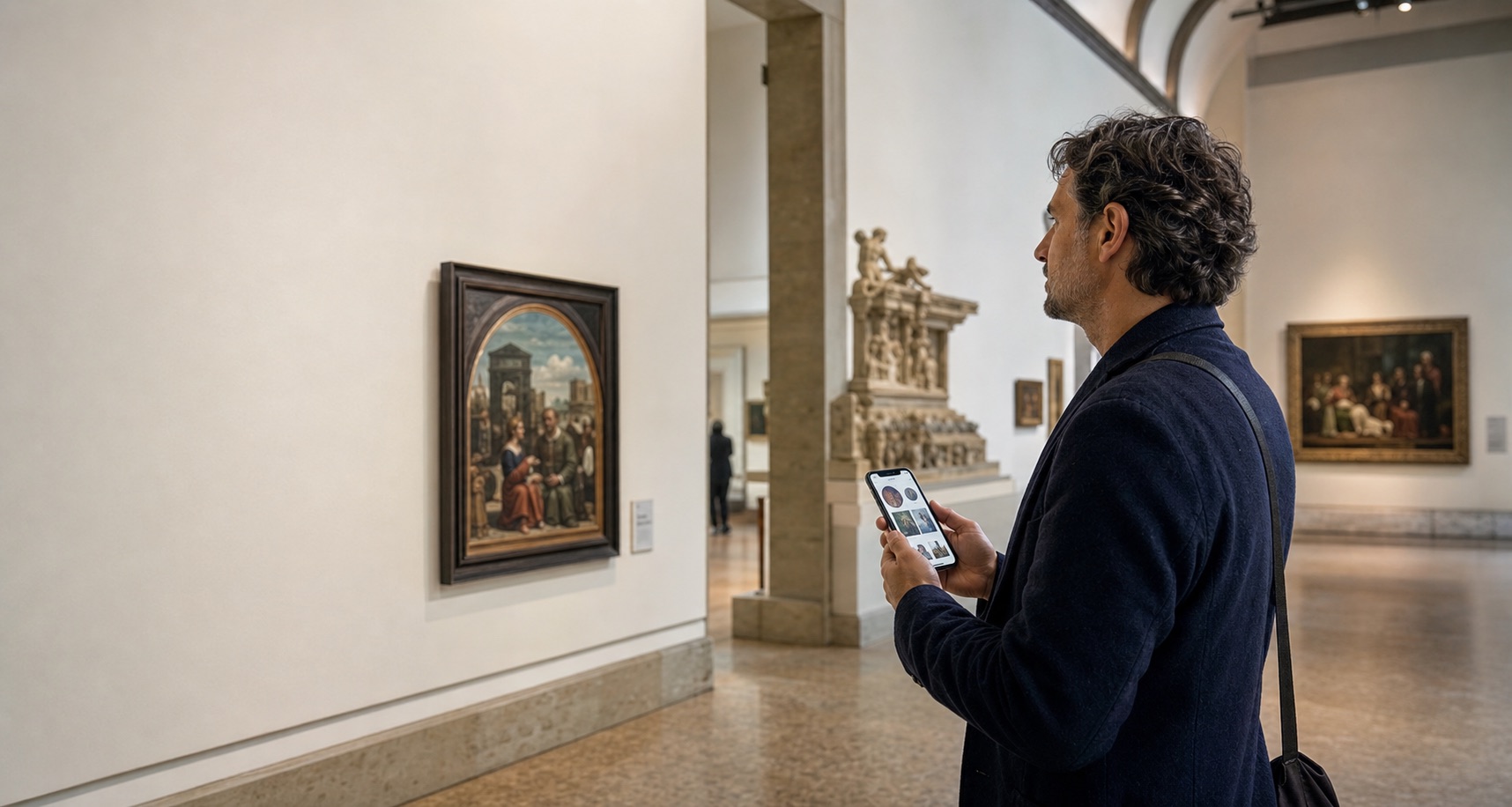

A multimedia guide combines audio with screen-based media such as images, text, video, maps, or interaction. An audio guide leads with sound so visitors can keep their attention on the place. The better choice depends on whether visuals add essential information or merely duplicate what the visitor can already see.
In a nutshell
- Choose audio when the object, building, view, or route should remain the visitor’s visual focus.
- Choose multimedia when images, video, maps, text, or interaction carry essential meaning.
- Do not assume a richer media mix creates a better visit; every screen action should earn its place.
- Plan accessible alternatives for both formats. Audio-only and screen-based media create different access needs.
- A phone audio guide is a focused audio format, not a replacement for a screen-led multimedia experience.
Multimedia guide vs audio guide at a glance
The distinction is about the visitor experience, not simply the device. An audio guide can run on a smartphone and show a transcript. A multimedia guide can use the same phone but ask the visitor to watch, read, browse, or interact.
| Criterion | Audio guide | Multimedia guide |
|---|---|---|
| Core experience | Spoken interpretation, sound, or directions lead the visit. | Audio is combined with screen-based text, images, video, maps, or interaction. |
| Visitor attention | Can keep the visitor's eyes on the object, view, building, or route. | Asks the visitor to move attention between the place and a screen. |
| Best use | The place is already the main visual and the story needs to accompany it. | Visual or interactive media adds information that the visitor cannot get from the place alone. |
| Typical production | Route, script, voice, sound edit, stop logic, and an equivalent for audio-only content. | Audio work plus visual assets, captions, interface design, interaction states, and broader media QA. |
| Delivery options | Rented player, app, web page, or phone call. | Screen-based app, web experience, tablet, or dedicated handheld device. |
| Main watchout | Sound alone may exclude visitors unless an equivalent is provided. | Extra media can add screen friction without adding interpretive value. |
A multimedia guide combines several forms of interpretation
A multimedia guide brings more than one media type into the visitor journey. ICOM’s audiovisual and new-technologies committee describes good multimedia guides as a combination of text, images, audio, and video that can be adapted for different visitor groups. Its examples also include accessible interface choices, readable text, screen-reader support, visual description, and sign language.
That range is the format’s strength. A reconstruction can show a lost building. An archive photograph can reveal how a street changed. A map can help someone choose the next stop. A sign-language video can present interpretation in a visitor’s preferred language. See the ICOM AVICOM conference papers on multimedia and accessibility for the full context.
More media also means more decisions. The team must decide when the visitor should look at the screen, how the interface returns attention to the gallery, and what happens when a visitor cannot see, hear, read, or operate one part of the experience.
An audio guide is defined by listening, not by old hardware
An audio guide gives spoken interpretation, sound, or directions the leading role. Visitors might use a rented player, an app, a web page, or a phone audio guide. The delivery channel can change without turning the experience into multimedia.
Digital audio guides often include a simple screen. A current Metropolitan Museum of Art audio-guide stop pairs an object image and playback controls with a transcript. It is still an audio guide because listening remains the main action. The image, language selector, and transcript support the audio rather than creating a separate screen-led narrative.
This distinction matters for procurement. “Digital” does not automatically mean multimedia, and “audio” does not automatically mean a rented handset. Write the visitor task and required media into the brief before asking vendors for a format label.
The real tradeoff is where the visitor looks
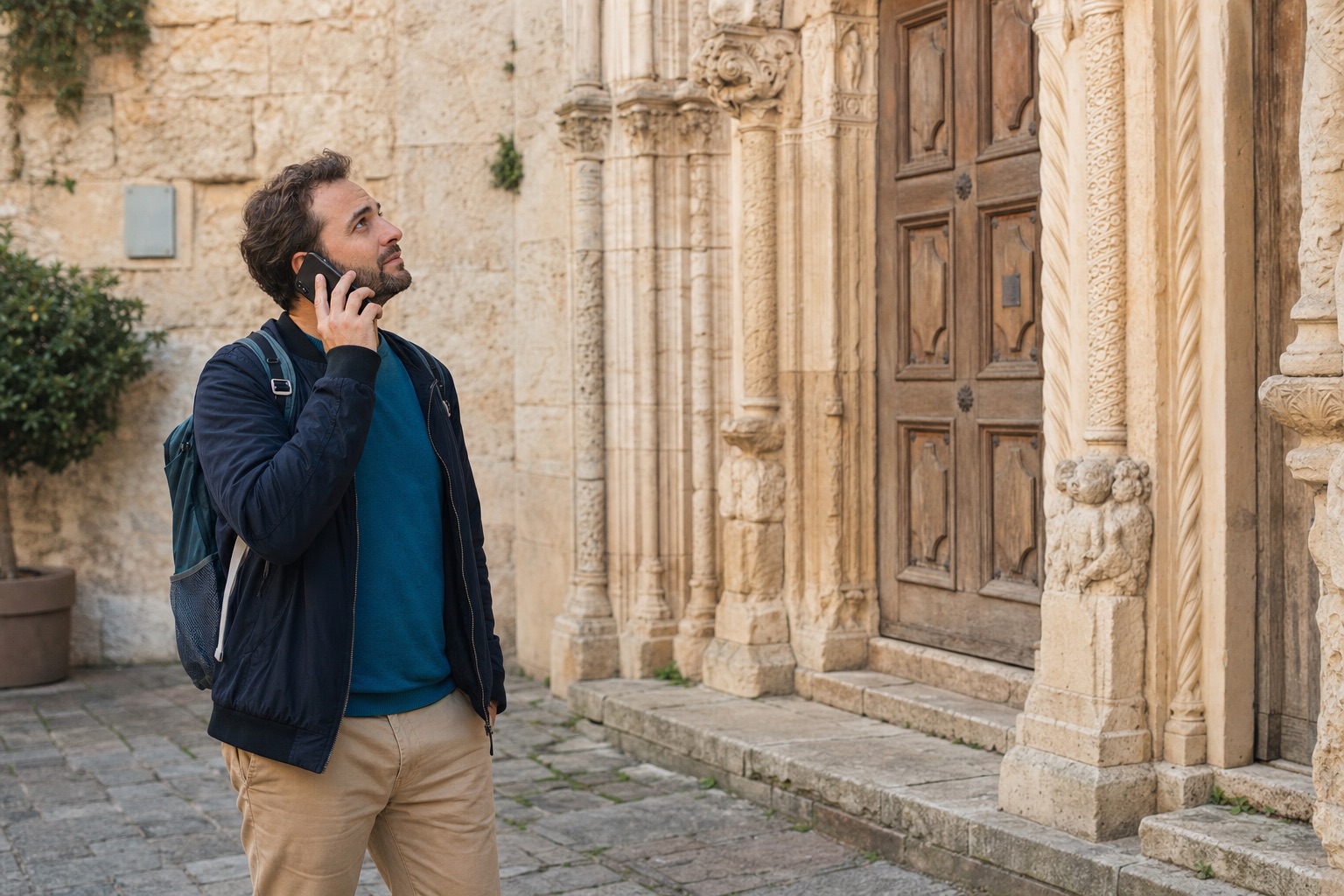
A guide competes with the place for attention. That does not make screens wrong, but it gives the editorial team a useful test: does this media help the visitor see more, or does it become a second exhibit?
The Whitney Museum faced that question while evaluating a multimedia guide with audio, transcripts, visual descriptions, closed-captioned video, and adjustable text. Staff worried about a “heads-up, heads-down” pattern, so they separated video from the main gallery flow and encouraged visitors to watch it in other spaces. The Whitney multimedia-guide evaluation is a useful reminder that content placement is part of interpretation, not a final interface detail.
Audio can actively direct looking. A peer-reviewed study using photographs from the Museum of London found that people who heard audio description later recalled more detail than the other groups in the experiment. The authors describe this as “guided looking”: language helps listeners notice parts of the work without replacing the work with another screen. Read the research summary on inclusive museum audio guides .
Audio does not guarantee attention, either. A long script can hold visitors in place after they are ready to move. A vague script can describe the object without helping anyone see it. The strongest audio is written for the actual stop and gives the visitor permission to look, pause, and continue.
Compare the production and operational load
Both formats need a route, an editorial point of view, accurate scripts, voice and language decisions, on-site testing, visible instructions, and a maintenance owner. Multimedia adds a second layer: every visual asset, interaction, caption, alternative, and interface state must still work after the exhibition or route changes.
The exhibit already gives visitors something rich to look at.
Audio guide
Use spoken interpretation to direct attention back to the object or place.
The visitor needs a map, reconstruction, animation, archive image, or sign-language video.
Multimedia guide
The screen carries information that sound alone cannot present in the same way.
Visitors should start with one simple action and keep moving.
Audio guide
A well-marked stop and a clear listening action can keep the interface light.
Visitors need to browse, zoom, compare, filter, or interact.
Multimedia guide
Those tasks need a usable screen flow and deliberate interaction design.
Your team has strong audio material but limited visual production capacity.
Audio guide
A narrower media scope is easier to maintain, provided access alternatives are planned.
Your interpretation depends on several media types working together.
Multimedia guide
Budget and schedule for every media asset, interface state, and accessibility layer.
This does not prove that audio will always cost less. A short guide with original music, several voices, complex rights, or many language versions can carry a substantial production scope. The useful comparison is the work you actually need to commission, review, publish, and keep current.
For museums, start with the museum audio guide workflow and the realities of the gallery visitor journey. Heritage teams should also consider how the format will sit within a sensitive historic setting.
Neither format is automatically accessible
A common mistake is to call audio accessible because visitors do not need to read, or to call multimedia accessible because it offers several media types. Access depends on the alternatives, controls, language, signage, device, and support around the content.
The W3C guidance for prerecorded audio-only and video-only media says audio-only content needs an equivalent that presents the same information. Video-only content needs an equivalent or an audio track. Text alternatives matter because people can render text visually, audibly, or through other assistive technology.
The Smithsonian National Museum of Natural History shows how the layers can work together. Its audio and visual description resources let visitors read or listen on their own device, and one app includes visual descriptions, captions, alt text, tactile references, and search. The lesson is not that every venue needs the same stack. It is that each visitor task needs an equivalent route through the information.
A simple decision map for visitor teams
Use this map before you compare platforms. If screen-based media carries essential information, scope a multimedia experience. If the place is already the main visual, begin with an audio-led guide and add only the support visitors need.
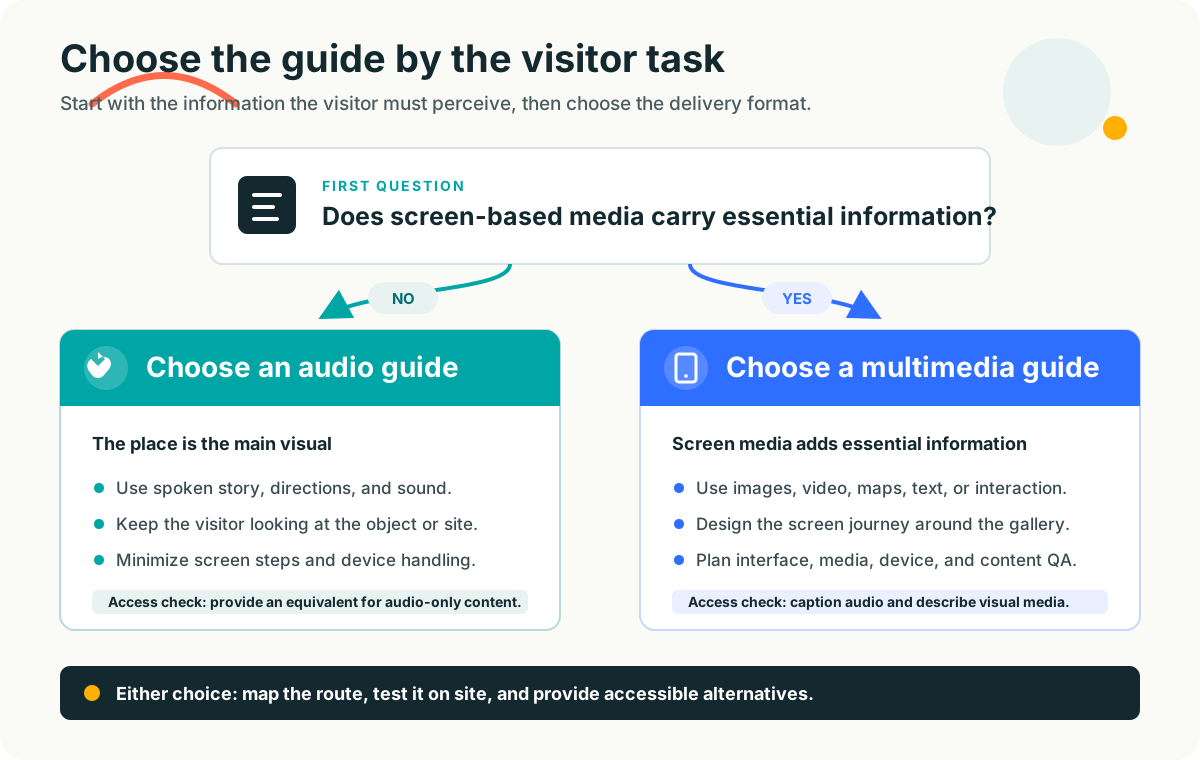
How to choose the right format for your venue
Choose an audio guide when the story should sit beside the place
Audio fits museums, city walks, monuments, attractions, and outdoor routes when visitors should keep moving and looking. It is especially useful when the interpretation can be carried by spoken story, description, interviews, ambient sound, or directions. Compare how that plays out across city tourism routes and visitor attractions.
Choose a multimedia guide when the screen carries necessary meaning
Multimedia earns its complexity when visitors need to see a reconstruction, compare images, follow an interactive map, watch movement, select from a visual collection, or use a screen-based access mode. If the visual layer can be removed without changing the visitor’s understanding, it may not be essential.
Write the brief before choosing the technology
List the stops, the question each stop should answer, the media required to answer it, the access alternatives, the delivery constraints, and the person who will maintain the guide. Then test the first useful action on site. The VoxiGuide setup flow shows how to turn existing route material and visitor touchpoints into an audio-led brief.
You can combine formats without making every stop multimedia
A venue does not need one format for every interpretive job. Audio can lead the main route while a separate visual layer serves stops that genuinely need an archive image, map, diagram, transcript, or video. The layers should be clearly signposted so visitors understand what each action will do.
VoxiGuide handles the audio-led part: visitors call a number and listen without an app. It does not claim to deliver video, interactive maps, automatic image recognition, or a screen-based multimedia interface. If those features are essential, scope them separately. If listening is enough, review the available sponsor-funded and venue-funded plans without paying for media complexity you do not need.
Frequently asked questions
What is the main difference between a multimedia guide and an audio guide?
An audio guide leads with spoken interpretation and sound. A multimedia guide combines audio with screen-based media such as text, images, video, maps, or interactive elements.
Can an audio guide include images or a transcript?
Yes. Many digital audio guides include an object image, transcript, or simple navigation screen. The label still fits when listening remains the main visitor experience rather than a screen-led multimedia sequence.
Is a multimedia guide better than an audio guide?
Only when its additional media serves a real visitor need. If an image, video, map, or interaction carries essential information, multimedia may fit. If the place itself is the main visual, audio may keep attention where it belongs.
Does a multimedia guide require an app?
No. It can run in an app, a mobile web experience, a rented tablet, or a dedicated handheld device. The defining feature is the combination of media and interaction, not the distribution channel.
Which format is more accessible?
Neither format is automatically accessible. Audio-only content needs an equivalent, while images and video need appropriate text, captions, or audio description. The interface, controls, language, signage, and on-site support also matter.
Can VoxiGuide deliver a multimedia guide?
VoxiGuide is a phone-based audio guide, not a screen-led multimedia platform. It is a fit when visitors should call, listen, and keep exploring. If essential interpretation depends on video, interactive maps, or screen-based comparison, use a multimedia format or plan a separate visual layer.